Why Backups Are Critical for Dental Practices: Protecting Your Patients, Your Business, and Your Reputation
Why Backups Are Critical for Dental Practices: Protecting Your Patients, Your Business, and Your Reputation
Dental practices rely on precision every day. Every appointment is scheduled, every procedure is planned, and every team member depends on your systems working exactly as they should. Patient charts, X-rays, billing, and scheduling all live inside your technology.
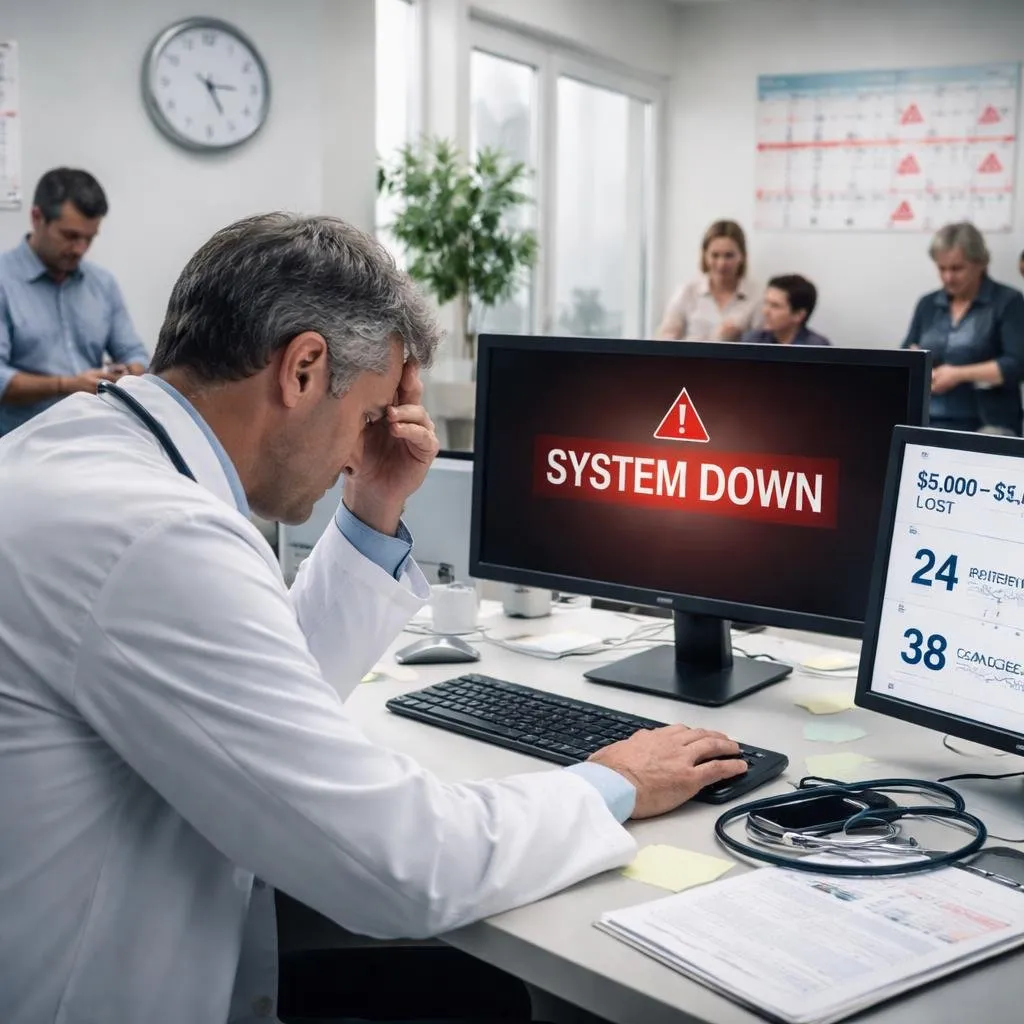
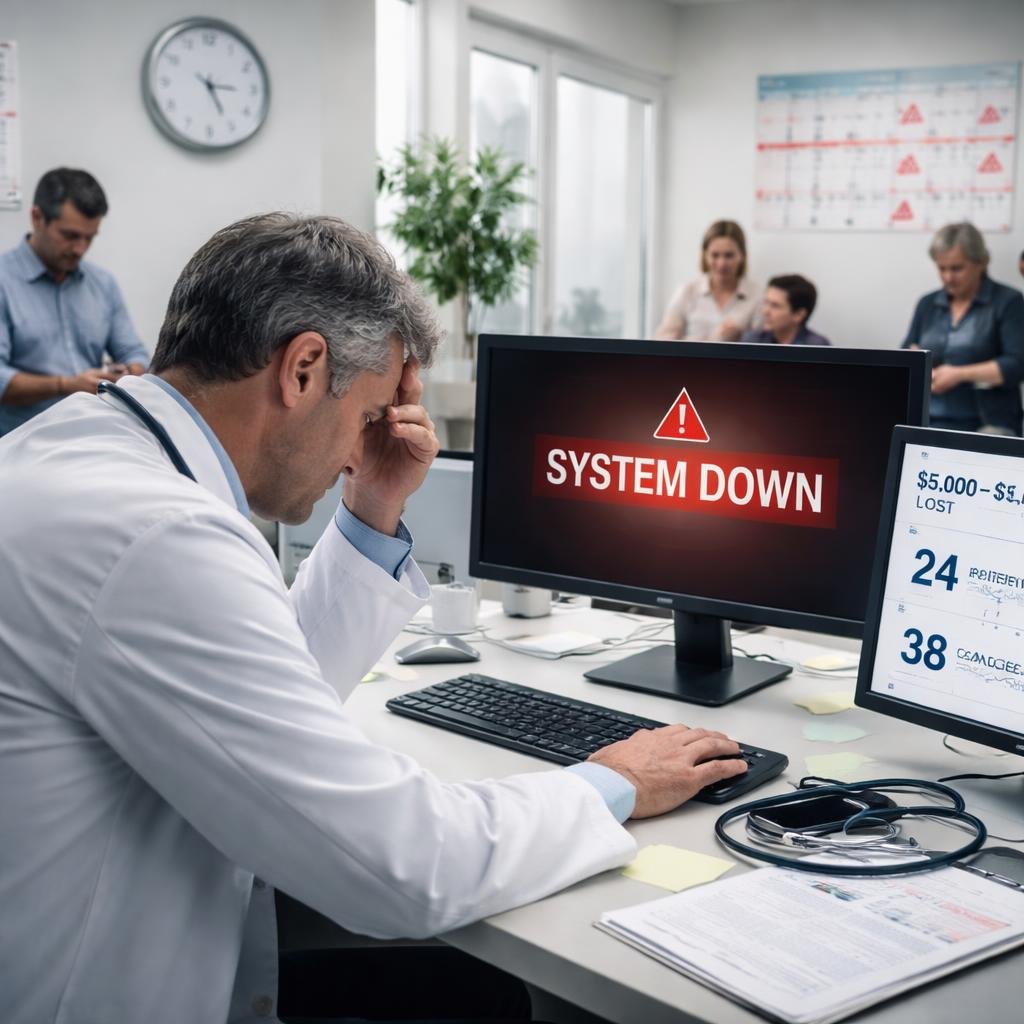
Now imagine walking into your office on a fully booked morning, only to find that your system is completely locked. You can’t access patient records. You can’t see your schedule. A message appears on the screen demanding payment to unlock your data.
This is not a rare scenario. It’s called a ransomware attack, and it’s one of the fastest-growing threats to dental practices today.
The good news? With the right backup strategy, like the ones we implement at Bright Byte IT, this situation can go from a full-blown crisis to a manageable inconvenience.
The Role of Backups in HIPAA Compliance
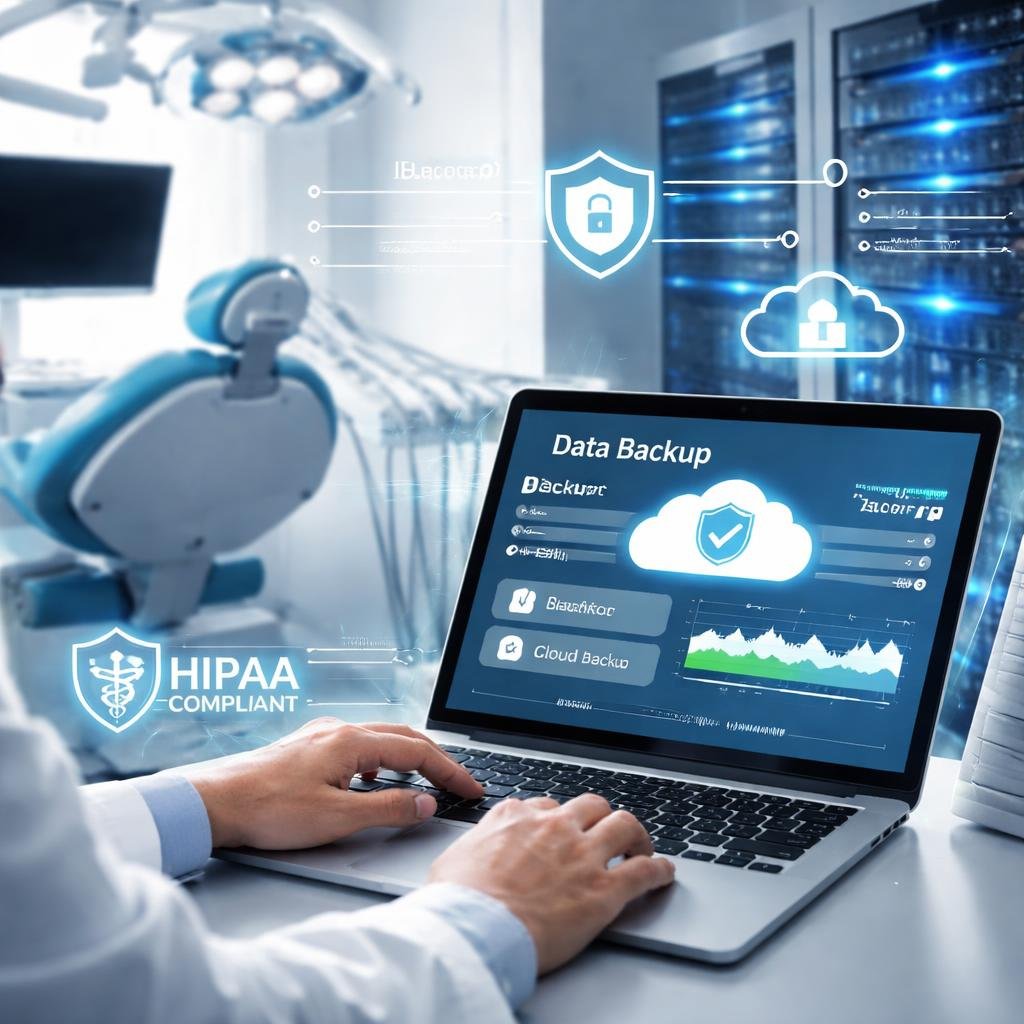
Dental practices are responsible for protecting patient data, and that responsibility isn’t optional. Under the Health Insurance Portability and Accountability Act (HIPAA), you are required to ensure the confidentiality, integrity, and availability of patient information.
Most people focus on privacy, meaning keeping data from being seen by the wrong people. But availability is just as important.
That means:
Patient data must be accessible when needed
Systems must be recoverable after an incident
Data loss must be minimized
Backups play a major role in meeting these requirements, especially when paired with a proper risk assessment. If you're unsure where your practice stands, start with a free HIPAA assessment.
If your systems go down and you cannot recover patient records, you may not only lose business; you could also face compliance issues, audits, or fines.
Simply put backups are not just good practice; they are part of staying compliant.
Understanding Ransomware in Simple Terms
Ransomware is a type of cyberattack where hackers lock your files and demand payment to unlock them.
In a dental practice, that could mean:
No access to patient charts
No access to X-rays or imaging
No ability to check schedules
No billing or insurance processing
Everything stops. That’s precisely why cybersecurity and backup strategies should be integrated, functioning as a single, cohesive protection system rather than separate approaches.
The attackers will typically demand a payment (often in cryptocurrency) and promise to restore your data. But there are two major problems:
There’s no guarantee they will unlock your data
Even if they do, the process can take days
That’s time your practice simply cannot afford to lose.
What Happens If You Don’t Have Proper Backups?
Without a reliable backup system, a ransomware attack can shut your practice down completely.
You may be forced to:
Cancel days (or weeks) of patients
Lose significant revenue
Damage patient trust
Rely entirely on insurance and negotiations with attackers
Studies and industry reports often estimate that downtime can cost small healthcare practices hundreds to thousands of dollars per hour. When you factor in a full schedule of patients, that number adds up quickly.
Even a single day offline can result in tens of thousands of dollars in lost production.
And that doesn’t include the long-term impact on your reputation.
How Backups Protect You from Ransomware
This is where a properly designed backup system becomes your strongest defense.
If you have secure, well-managed backups:
You do not need to rely on the attackers
You do not need to wait days for recovery
You can restore your systems yourself
Instead of being stuck, your IT team or Managed Service Provider (MSP) can begin restoring your systems almost immediately.
The Power of Immutable Backups
Backup quality varies. One of the most important features today is something called immutable backups.
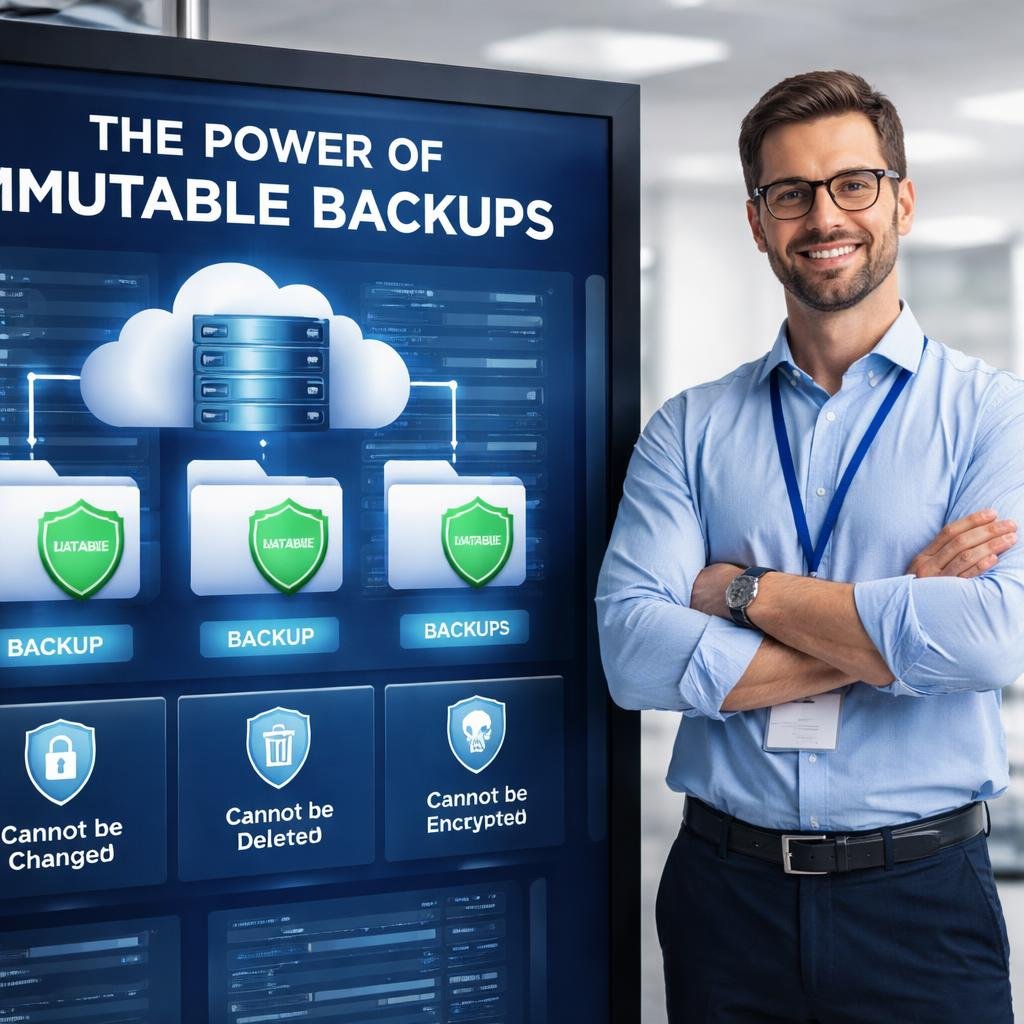
In simple terms, “immutable” means cannot be changed or deleted. Not all backup solutions offer this level of protection, and many dental practices don’t realize the gap until after an attack.
Even if hackers get into your system, they cannot:
Alter the backup files
Delete them
Encrypt them
This ensures that your clean, safe copy of data is always available.
If your system is hit by a ransomware attack, your MSP can use these secure backups to restore everything, allowing you to avoid paying the ransom.
Where Cybersecurity Insurance Fits In
Many dental practices today carry cybersecurity insurance, which can help cover costs related to ransomware attacks.
This may include:
Negotiating with attackers
Covering ransom payments (in some cases)
Legal and compliance support
However, insurance does not solve your downtime problem.
While the insurance company handles the financial and legal side, your MSP (Managed Service Provider) is the one responsible for getting your systems back up and running.
And the speed of that recovery depends heavily on your backups. Insurance may cover costs, but it won’t restore your operations. That responsibility falls on your IT strategy.
Real-World Example from the Hospitality Industry
In March 2024, a major hospitality brand experienced a large-scale ransomware attack that disrupted operations across multiple locations.
Their systems were locked, and normal operations were severely impacted.
What allowed them to recover was not luck. The activity was undertaken as part of the preparatory process.
The same engineering team that had designed and implemented their backup systems also managed their IT services. Because their backups were properly structured and protected, they were able to restore systems and bring operations back online.
This is a critical lesson for dental practices:
It’s not just about having backups; it’s about having them set up correctly by the right people.
Why the 3-2-1 Backup Rule Still Matters
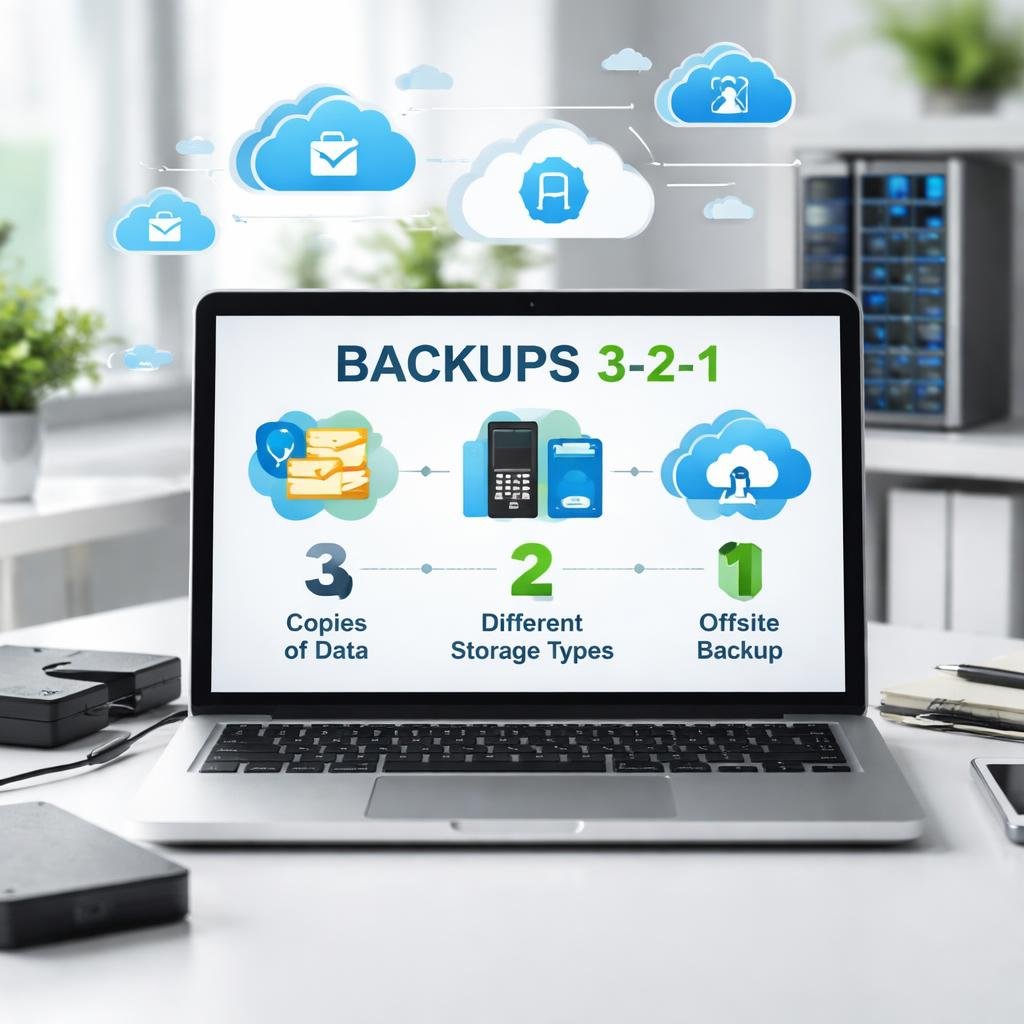
To truly protect your practice, backups should follow the 3-2-1 rule:
3 copies of your data
2 different storage types
1 copy stored offsite
When combined with immutable storage, this creates a strong defense against both technical failures and cyberattacks.
For example:
A local backup allows for fast recovery in everyday situations
An offsite, immutable backup protects against ransomware and disasters
This layered approach ensures you are never relying on a single point of failure.
The True Cost of Downtime
Let’s put this into perspective.
If your practice produces:
$5,000–$10,000 per day (or more)
And your systems are down for even one full day:
That revenue is gone
Patients may not return
Your schedule may take days or weeks to recover
Break that down further:
Even 15–30 minutes of downtime during peak hours can mean lost procedures, delays, and frustration for patients and staff
Now imagine multiple days of downtime.
Without proper backups, this is a very real possibility.
What a Proper Backup Strategy Looks Like
To truly protect your dental practice, your backup system should:
Run automatically without relying on staff
Be monitored to ensure it’s working
Include offsite and immutable storage
Be tested regularly for recovery
Be managed by professionals who understand dental systems
This is where working with an experienced MSP becomes essential. If your current setup doesn’t meet these standards, it may be time to reassess your backup strategy.
Final Thoughts
Dental practices cannot afford downtime. Your patients depend on you, your schedule is always full, and your business relies on constant access to data.
Backups are no longer just a safety net; they are a critical part of:
HIPAA compliance
Cybersecurity protection
Business continuity
If a ransomware attack happens, the question is not whether you have insurance.
It’s whether your MSP can restore your systems quickly from secure, untouched backups.
Because when your systems are locked and patients are waiting, every minute matters, and every minute lost is revenue you can’t get back.
With the right backup strategy, you’re not just protecting your data.
You’re protecting your entire practice.
Ready to Protect Your Practice?
Don't wait for a ransomware attack to find out if your backups actually work.
At Bright Byte IT, we specialize in helping dental practices build bulletproof backup and disaster recovery strategies — fully HIPAA-compliant and built for real-world threats.
Book a Free Consultation Today Let's make sure your practice is protected before the next attack — not after.