Is Your HIPAA Sanction Policy Ready for OCR?
HIPAA Sanctions: What Practices Need to Do in 2026
You need a written HIPAA sanction policy, a fair process for applying it, and records that explain your decisions. OCR’s October 22, 2026 announcement of the planned, pre-recorded video The HIPAA Rules: Sanctions gives you a timely reason to check whether your practice has all of those pieces in place.
For dental practices and small medical practices, the hard part is deciding who was responsible when something went wrong. You need to separate a workforce member’s conduct from missing training, unclear instructions, or a technical problem. Your response should address each failure without treating every incident as grounds for automatic punishment.
What Did OCR Announce About HIPAA Sanctions?
You have advance notice of a planned OCR presentation on the two HIPAA sanction provisions and their practical application. The announcement gives you an opportunity to prepare questions and review your policy before the recording becomes available.
What Nicholas Heesters Will Cover
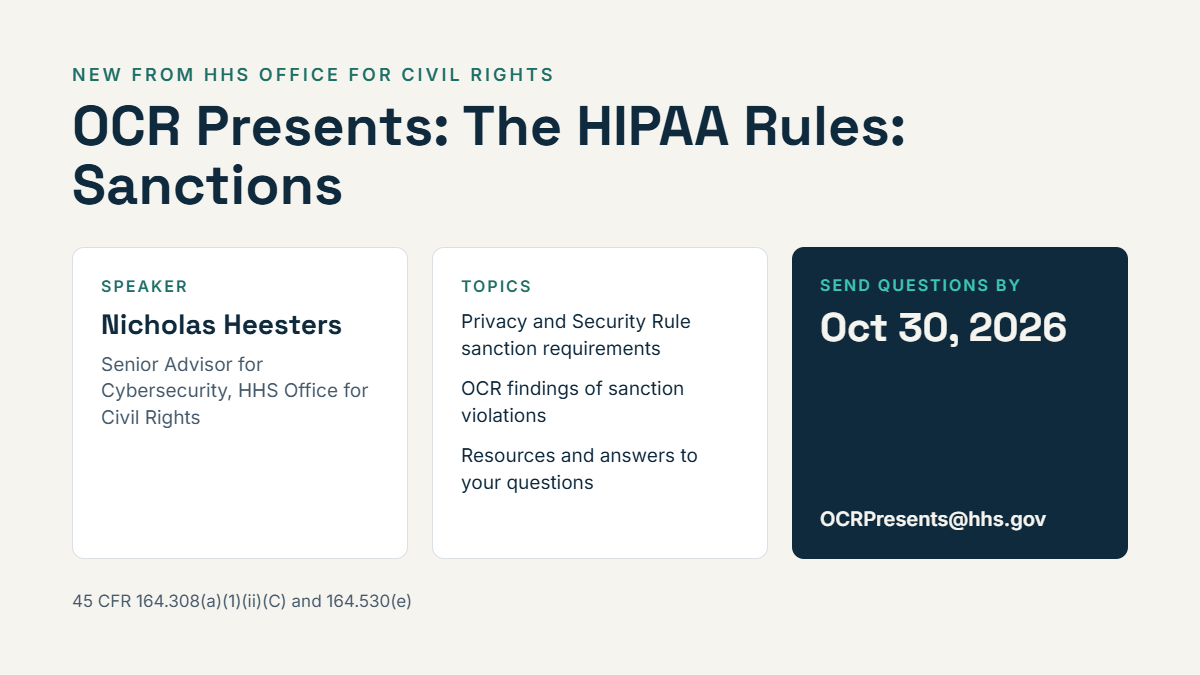
You should expect The HIPAA Rules: Sanctions to address the Security Rule and Privacy Rule sanction requirements. The announced presenter is Nicholas Heesters, Senior Advisor for Cybersecurity at the HHS Office for Civil Rights.
The planned coverage includes investigation findings involving possible violations, supporting resources, and submitted questions. You should treat the October 22, 2026 announcement as notice of an upcoming recording. Any discussion of possible violations also needs to remain distinct from a final finding against a particular organization.
How Sanctions Connect to OCR’s Risk Management Focus
Your sanction process belongs within your broader risk management work. When you identify unsafe behavior, you need to examine both the person’s choices and the conditions that allowed the incident.
For example, if your team shares passwords because individual accounts were never set up, your response needs to include account changes and management follow-through. OCR’s cybersecurity enforcement has addressed failures beyond individual conduct; HHS imposed a $1.5 million civil money penalty against Warby Parker for HIPAA Security Rule violations. You should avoid treating a sanctions presentation as evidence of a separate new enforcement initiative or a change to the underlying rules.
What Do the HIPAA Sanction Rules Require?
You must apply appropriate sanctions when members of your workforce violate applicable HIPAA requirements or your related policies. Your written procedures and records need to reflect the different wording of the Security Rule and Privacy Rule.
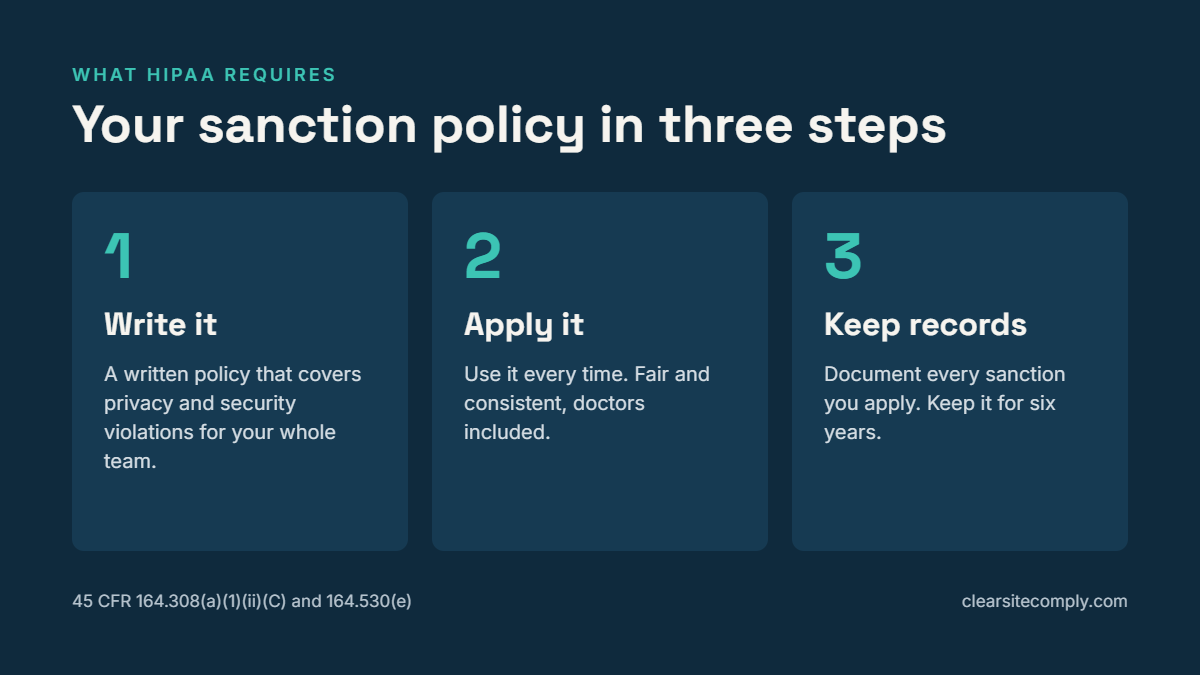
Maintain a Written Policy, Apply It, and Document Sanctions
Under 45 CFR 164.308(a)(1)(ii)(C), you must apply appropriate sanctions against workforce members who fail to comply with your security policies and procedures. This is a required implementation specification within the HIPAA Security Rule’s security management process. Your Security Rule obligations cover safeguards for electronic protected health information, so your policy needs to address conduct involving electronic records and systems.
Under 45 CFR 164.530(e), you must have and apply appropriate sanctions when workforce members fail to follow your privacy policies or the applicable Privacy Rule requirements. That provision expressly requires you to document sanctions you apply. Your Privacy Rule obligations protect medical records and other individually identifiable health information, including information handled outside your computer systems.
Keep your sanction policy in writing and document every sanction you impose. For Security Rule matters, maintain the required written policies and records of actions that require documentation under 45 CFR 164.316. Recording your reasoning also helps you explain why a particular response was appropriate.
Who Counts as Workforce, Including Doctors and Temporary Staff?
Your workforce reaches beyond employees on your payroll. It includes employees, volunteers, trainees, and other people whose work for your practice is under your direct control, whether you pay them or not.
Apply that test to temporary staff and students. Include doctors when their work falls within the workforce definition; a professional title does not create an exemption. For outside contractors, assess the actual working relationship and any business associate obligations before deciding which process applies.
Protect Good-Faith Reporting and Retain Required Records for Six Years
Your policy must protect lawful complaints and other protected activity. Under 45 CFR 164.530(e), sanctions cannot be applied to conduct covered by the whistleblower exception in 45 CFR 164.502(j) or the protected activity described in 45 CFR 164.530(g)(2).
You should explain that good-faith opposition to an unlawful practice has conditions, including reasonable conduct and limits on disclosing protected health information. Protected reporting does not create immunity for separate misconduct. Investigate any unrelated violation on its own facts and document the distinction.
Retain required HIPAA documentation for six years from its creation or the date it last took effect, whichever is later. This includes documented Privacy Rule sanctions under 45 CFR 164.530(j), with related Security Rule documentation governed by 45 CFR 164.316. Check whether another law or a legal hold requires you to keep particular records longer.
Which Dental Office Incidents Call for a Sanction Review?
You should review suspected policy violations involving patient information, access credentials, or security duties. Start with the facts and the assigned responsibilities before choosing a sanction.
Snooping in a Neighbor’s Chart or Texting X-Rays From a Personal Phone
If you discover that someone opened a neighbor’s chart in Dentrix or Eaglesoft, preserve the relevant access logs. Check whether the person had a work-related reason to access the record. Deliberate curiosity access calls for a different response from an accidental chart selection followed by prompt reporting.
For an X-ray sent from a personal phone, examine your approved communication process and device rules. Determine where the image went, whether it was stored or backed up, and what instructions the sender had received. Personal-device use requires a factual review of safeguards and authorization.
Run your breach assessment alongside the conduct review. You must assess an impermissible use or disclosure under the Breach Notification Rule’s requirements for unsecured protected health information, including the applicable exceptions and risk assessment. A sanction decision does not resolve your notification duties.
Shared Logins and Repeated Phishing Clicks
When you find shared logins, determine who created the arrangement and whether your systems support individual access. Your technical controls should support unique user identification. If management instructed staff to use one account, include that management decision in your review.
Repeated phishing clicks also deserve a closer look at training and available safeguards. Check whether the person completed relevant instruction, reported the message promptly, and followed your incident response steps. Avoid a rigid “click count” punishment rule that discourages early reporting.
Former Employee Accounts Left Active
An active former-employee account calls for an immediate access review and a check of your termination process. Preserve relevant logs, disable inappropriate access, and assess whether anyone used the account after departure.
Then trace the handoff between the manager and whoever disables access. If your IT provider never received notice, review the internal notification failure. If a clear request was missed, document that failure and correct the process; an active account alone does not establish misconduct by the former employee.
Is Your Sanction Policy Ready to Use?
Your policy is ready when you can use it to reach a supported decision and explain that decision later. A usable sanction policy checklist should cover responsibility, training, incident records, and consistent enforcement.
Define Violation Levels and Assign Decision-Making Responsibility
Set out violation levels that distinguish accidental errors from reckless conduct and deliberate misuse. Describe the factors you will consider, including intent, prior violations, patient impact, and the person’s response after discovery.
Identify who investigates and who approves sanctions. Include an alternate decision-maker when a complaint involves an owner, doctor, or manager. Leave room for proportionate responses, such as a written warning or access restriction, while allowing serious misconduct to receive a stronger response.
Train the Workforce and Collect Policy Acknowledgments
Give your workforce practical instruction on the conduct your policy covers. Use examples that match your office, such as chart access and approved ways to send patient images. Explain how to report a mistake promptly.
Collect acknowledgments when you distribute the policy and when you issue material updates. Keep the policy version and signature date together. A signed acknowledgment helps show receipt; you still need evidence of training and appropriate daily practices.
Document Decisions and Review Consistency After Incidents
For each review, record the facts, relevant policy, and evidence you considered. Identify the decision-maker and explain the outcome, including a decision that no sanction was warranted. Restrict access to these records because they contain sensitive personnel information.
Use the following checks before you close the record:
Have you identified the policy version in effect when the incident occurred?
Have you addressed training gaps and technical failures?
Have you explained the sanction or the reason for taking no disciplinary action?
Have you compared the decision with similar past incidents?
Have you assigned corrective work and a completion date?
Have you applied the correct retention period?
Consistent enforcement means you use the same decision factors across roles. Different outcomes need a documented reason, such as deliberate misuse versus an accidental action that was promptly reported.
How Do ClearSite Compliance and BrightByte IT Help?
You can use ClearSite Compliance to organize policy records and BrightByte IT to support the related office and IT procedures. You retain responsibility for sanction decisions and for meeting your HIPAA obligations.
ClearSite Compliance Keeps Policies, Signatures, and Sanction Records Together
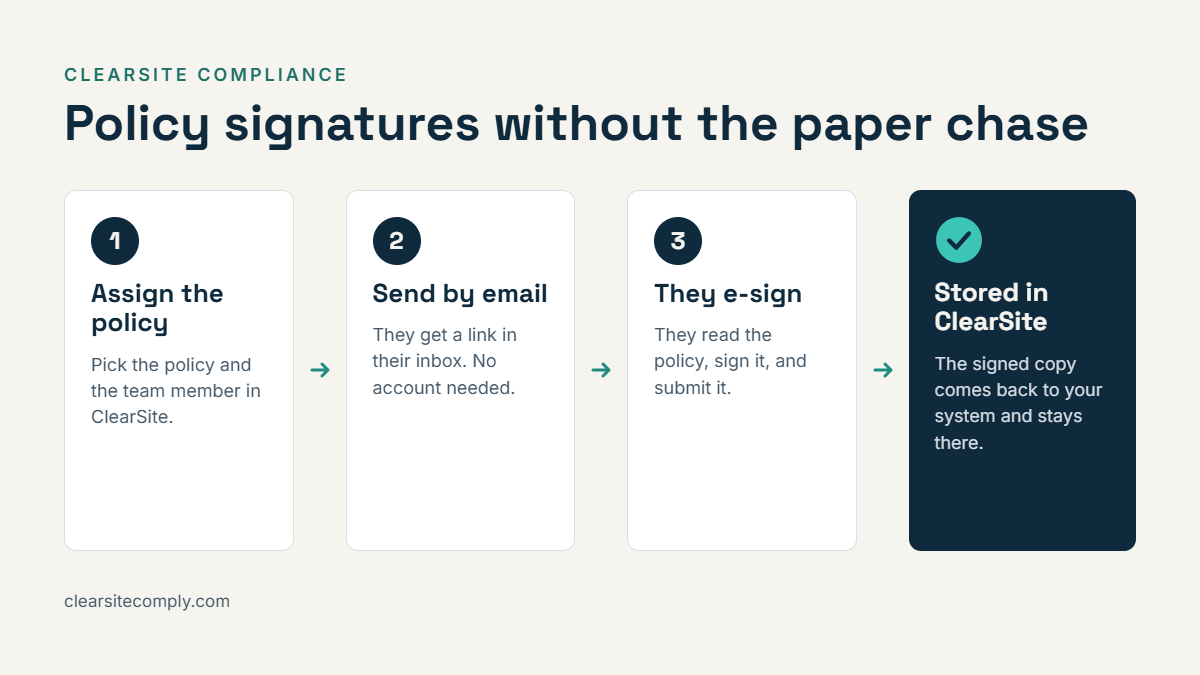
With ClearSite Compliance, you can store policies and email assigned policies to individual workforce members. Your recipients can provide electronic signatures without creating a ClearSite account. Signed copies return to the platform and remain available alongside sanction and incident records.
This gives you a connected record of the policy distributed and the acknowledgment received. You still need to assess whether your workforce follows the policy. Software and signatures do not guarantee HIPAA compliance.
BrightByte IT Helps Put the Policy Into Practice
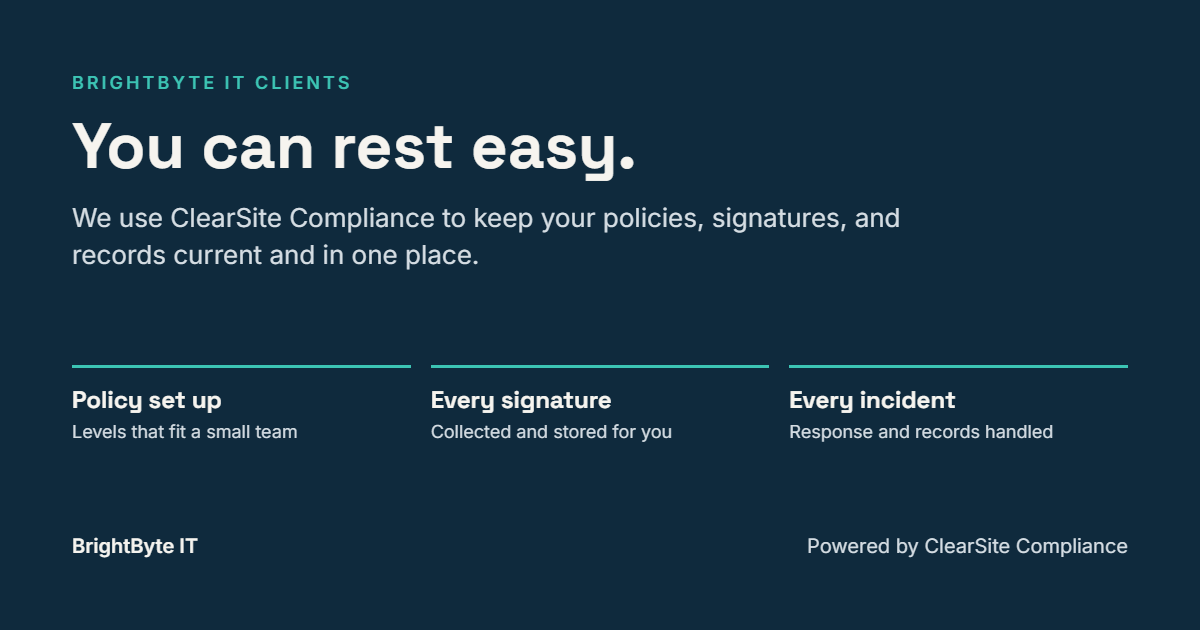
Through BrightByte IT, They use ClearSite for every client. You receive help establishing violation levels, distributing policies, collecting signatures, and documenting post-incident sanction decisions.
You also need your technical procedures to support the written rules, including individual accounts and timely account termination. Keep the practice’s authorized decision-maker responsible for employment actions. Your IT support should help establish the technical facts and complete corrective work.
Send OCR Your Questions by October 30 and Prepare Your Policy
Use the question deadline to address unclear points while you prepare your sanction policy. Submit questions for the planned presentation to [email protected] by October 30, 2026.
Your next step is to assign a policy owner and check your acknowledgment and incident records. For help putting that process into practice, contact BrightByte IT or use ClearSite Compliance to organize your policies and related records.